
CYCRANE / Hoist, trolley & bridge VFD systems
Crane Inverters.
Coordinate every motion.
Define the drive package.
Coordinate motion, braking and control.
Plan crane VFD requirements around the connected motors, operating duty and control system. Bring energy handling, feedback, enclosure and integration requests into one technical enquiry.
- Hoist / CT / LTMotion requirements
- DBR / RegenEnergy directions
- I/O & feedbackSystem integration
- New build & retrofit
- Motor & control coordination
- Cabinet & environment review
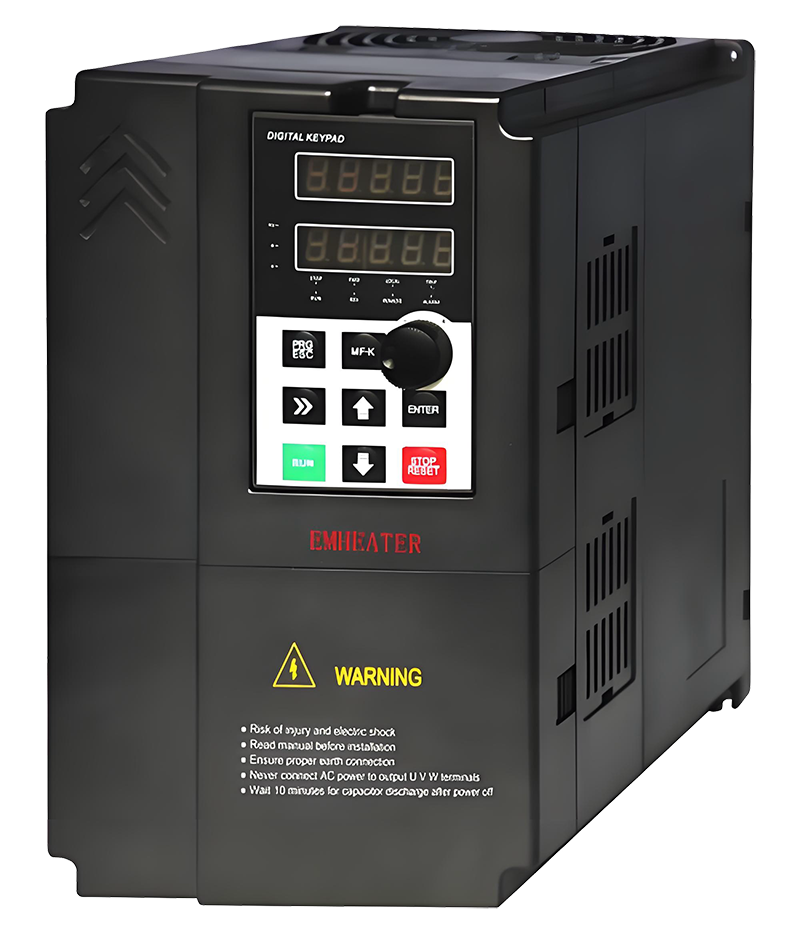 CRANE VFD / MOTION, ENERGY & INTEGRATION
One coordinated motion package.Connect motor data with controls and braking duty.
- 01Record the motors
- 02Define the cycle
- 03Review integration
01 / Energy handling
Define the working cycle.
Compare the energy direction.
Dynamic braking and regeneration are system choices. Confirm actual power peaks, cycle energy, model compatibility and installation conditions before specifying the equipment.
Dynamic Braking
Define lowering and deceleration peaks, average cycle, pulse energy and the compatible drive/chopper/resistor arrangement.
Regenerative System
Review braking/lowering power, actual duty, DC-bus arrangement and the supply interface before defining a regeneration module.
02 / Integration guide
Each motion has a duty.
The cabinet ties it together.
Share the motor and operating data alongside the control architecture. The connected kW sum is an enquiry input, not a selected drive or cabinet rating.
Current & overload
List each motor rating, current, speed, drive count and overload cycle. Identify single/twin drives and any shared DC bus.
Lowering & deceleration
Record loads, speed, lowering duration, deceleration and cycle frequency. Define braking peaks and energy with the selected hardware.
Feedback & functions
Coordinate encoder type, I/O, fieldbus, brake logic, anti-sway and travel synchronization with the actual drive/controller.
Environment & interfaces
Define supply, cooling, enclosure/IP, cable routing and motor feedback. STO and holding/brake arrangements require project review.
03 / Configure & plan
Build the VFD enquiry.
Review the system assumptions.
Record connected motor power by motion and select requested functions. The energy, loss and EXW budget models are planning references; current ratings, control compatibility and actual duty need project review.
Your VFD Package Configuration
Use actual motor data. Enter zero for unused motions and a positive total for at least one motion. Add per-motor current, drive count and actual braking/control data in the notes. STO records a request, not approval of the control system.
01 / Supply & duty
Define the system conditions
02 / Connected motors
Enter motor totals by motion
03 / Energy & control
Record the integration requests
04 / Supply scope
Quantity & target timing
04 / Technical scope
Drive, control and cabinet.
One coordinated specification.
These are project scope areas. Confirm available functions, compatibility, ratings, documentation and test requirements for the proposed package.
| Motions | Hoist, trolley and bridge (single/twin drives) |
|---|---|
| Control | Vector control with encoder/sensorless requests, S-curve, torque boost, brake logic and inching; confirm actual drive/controller functions. |
| Safety | STO requirement, motor thermal input and e-stop/control-chain integration are subject to actual hardware and project review; no safety rating or validation is established by the builder. |
| Functions | Anti-sway, speed synchronization and master-follower requests; confirm software, feedback and hardware compatibility. |
| Energy | Dynamic braking resistor or line-regenerative unit |
| EMC/Line | Line reactor or RFI filter; DC chopper as required |
| Supply | 380–460V, 50/60Hz, 3Ph |
| IP/Env | Requested IP54–IP65 enclosure and hot/cold/dusty provisions; confirm the actual drive/cabinet arrangement and thermal design. |
| Docs & Tests | Parameter list, I/O map and FAT report requested as applicable; agree the documentation and test scope in the proposal. |
A selected request is not proof of model capability, certified safety performance or a complete system design. Confirm drive currents, overloads, energy handling and cabinet losses per actual model.
05 / Cabinet references
See the arrangement.
Define the interfaces.
Existing website images show drive and cabinet arrangements. They do not confirm a specific regeneration module, safety rating or verified customer project.
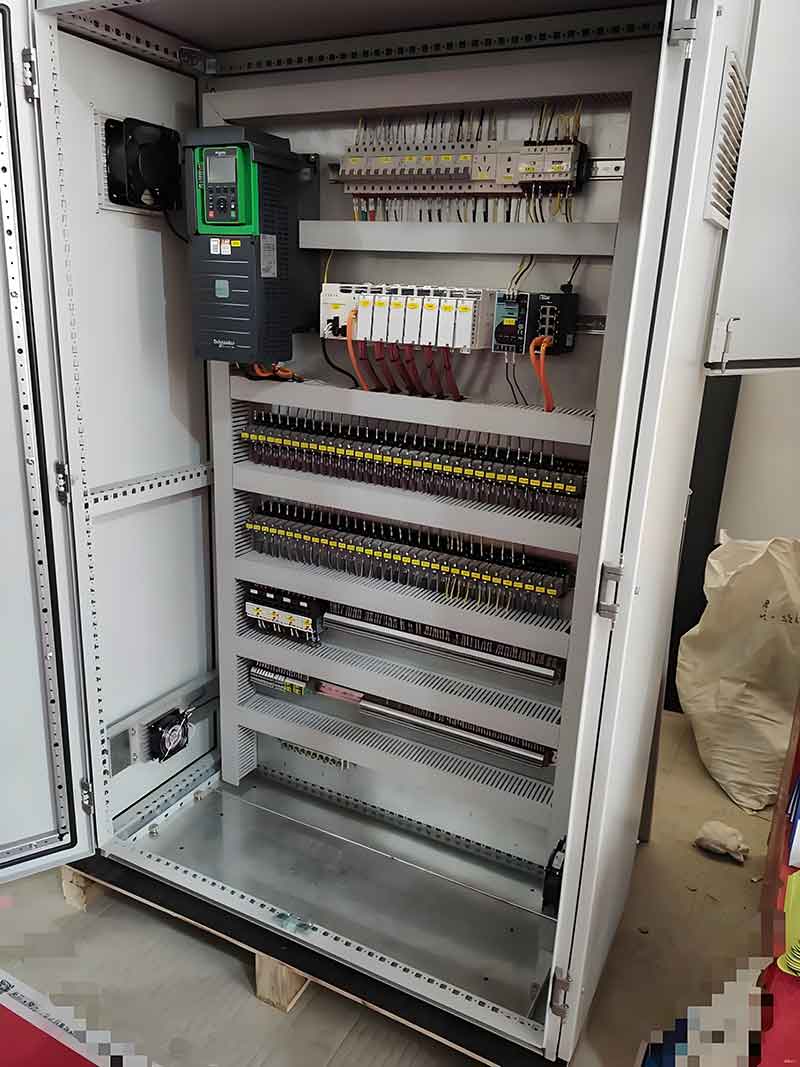
Control cabinet and terminal arrangement
Website reference. Confirm exact equipment, wiring and agreed supply scope.
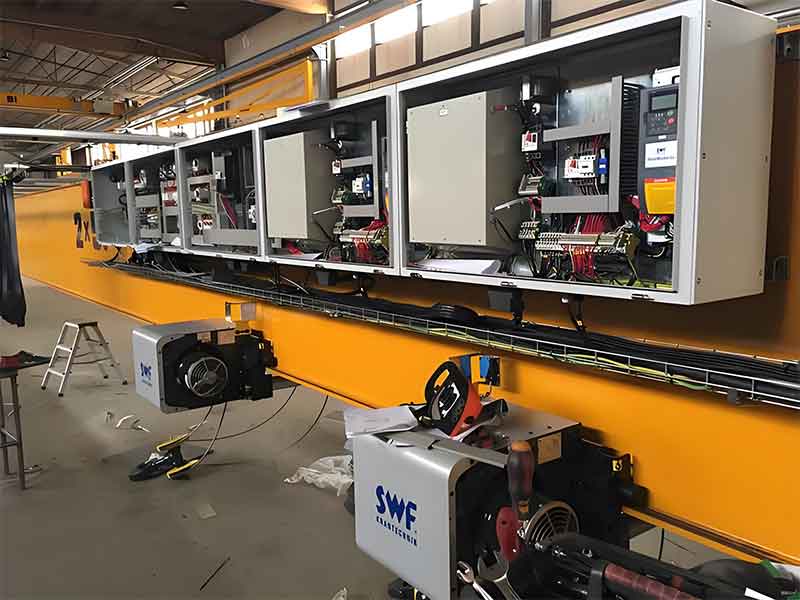
Bridge-mounted drive-cabinet layout
Website reference. Confirm exact equipment, wiring and agreed supply scope.

Multi-motion VFD cabinet reference
Website reference. Confirm exact equipment, wiring and agreed supply scope.
06 / Project steps
From motor data
to an agreed drive package.
Define the motion, review architecture and agree the test and commissioning scope.
Inputs
Motor kW/current, operating cycle and functions.
Proposal
Review drive, energy handling and cabinet scope.
Integration
Agree wiring, I/O and control parameters.
FAT
Confirm parameter and function test requirements.
Commissioning
Agree documents and site support scope.
07 / Before you specify
Planning a VFD
retrofit or new system?
Actual motors, operating duty and control architecture guide the package.
Discuss My VFD Requirements ↗Does the connected kW sum select the VFD size?
No. It sums the entered motor ratings across motions. Individual current, drive count, overload duty, simultaneous operation and the proposed topology are required to select the actual drives and cabinet.
Does the DBR or regeneration value size the equipment?
No. These are the retained simplified power proxies for budget discussion. Resistor/chopper limits, allowed resistance, braking peaks, pulse energy, average cycle and the regeneration/supply arrangement require actual model and duty data.
Why is there a DBR value when hoist power is zero?
The original DBR model has a 0.5 kW floor. That floor is retained as a pricing assumption; it does not calculate trolley or bridge braking energy. Provide the actual travel deceleration and inertia data.
What does the STO choice mean?
It records the requested feature for project review. STO removes drive torque; it does not hold a suspended load or replace the required mechanical brake/holding arrangement. The choice does not certify or validate a system. STO Not Required is now displayed correctly and does not receive the STO budget factor.
Does the heat figure determine the cabinet cooling?
No. It applies the original percentage and accessory allowances to the connected kW sum. The encoder-based percentage is a model assumption, not proof that an encoder reduces actual losses. Use actual drive/accessory losses, ambient, enclosure and installation data for thermal design.
Are the displayed range and timeline confirmed?
The range is the modelled EXW equipment total for the entered quantity, including quantity and urgency assumptions. Functions and IP/environmental provisions need model confirmation. Target timing is a request; final scope, price and delivery follow the quotation.
08 / Technical & commercial enquiry
Send the VFD requirements.
Bring the duty and control data.
Your selected power totals, functions, model assumptions and quantity budget are attached to the enquiry. Add per-motor data, the actual operating cycle and supporting files.
- WhatsApp / phone+86 155 1554 5327
- Sales enquiriessales@cy-cranes.com
- Talk about your projectCall +86 155 1554 5327
Useful details: motor/drive nameplates, per-motor current, drive count, supply, overload and lowering cycle, braking energy, cabinet dimensions, encoder, I/O/fieldbus, quantity and destination.
Crane VFD Technical RFQ
Start with your email and destination. Add the project details you already know.
Review the configuration included with your enquiry
Prefer email? Send your configuration ↗